Dell Cluster Validation
This app is used to validate Dell VMware clusters.
It collects data from the VMware cluster and Dell servers and switches.
The data is then submitted to ServiceNow for validation.
ServiceNow
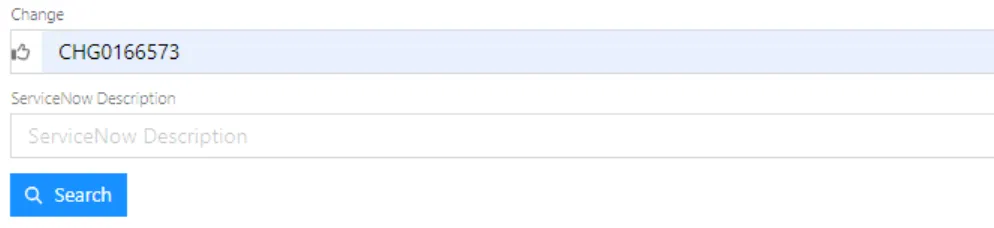
Section titled “ServiceNow”Type in Change number and hit Search.
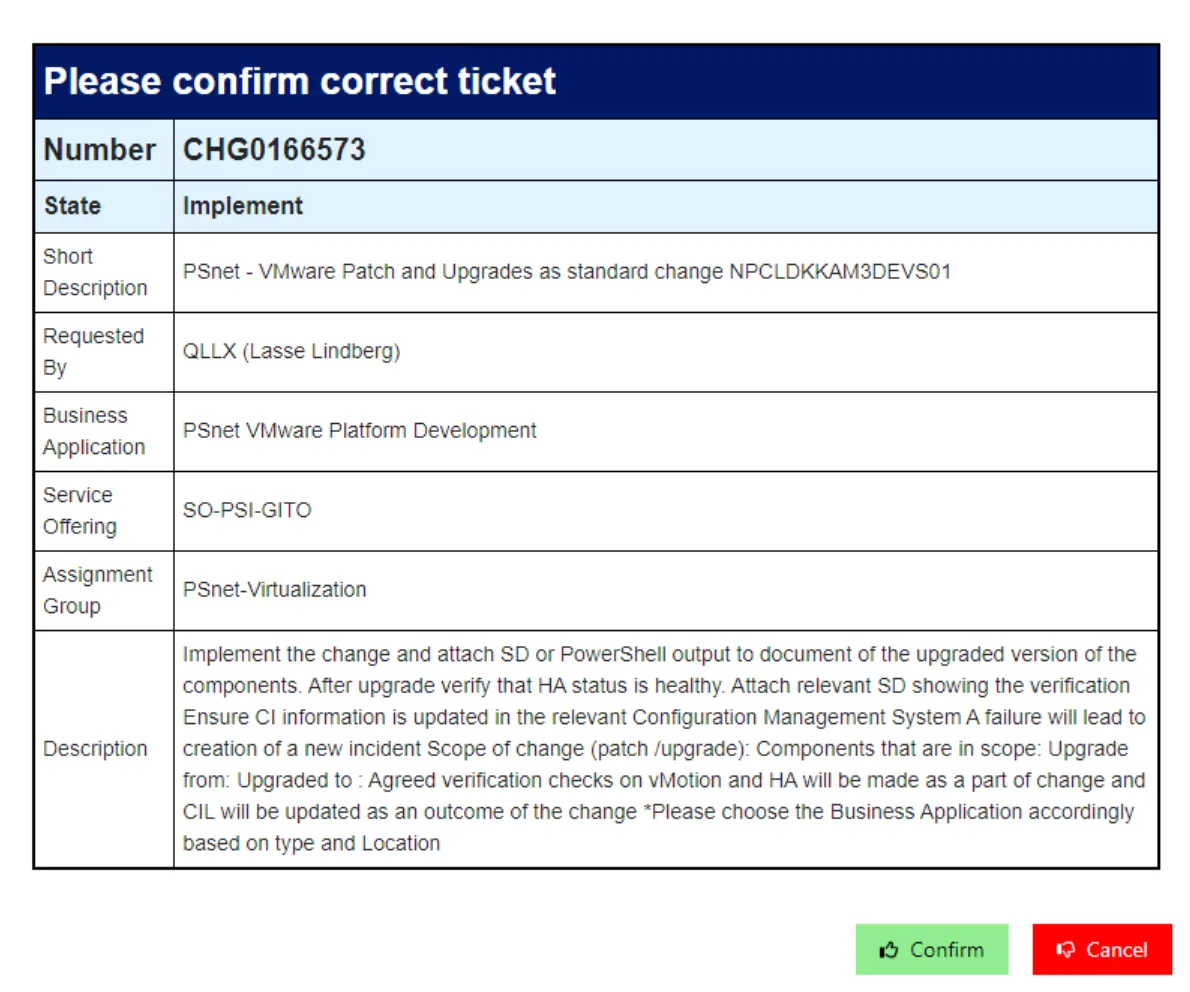
Ensure the Change is in state “Implement”, and all the other information is correct.
Press Confirm
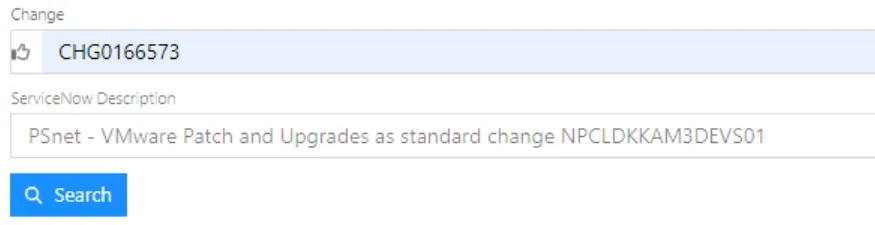
The SNOW Description will now be showen under the Change Number.
VMware
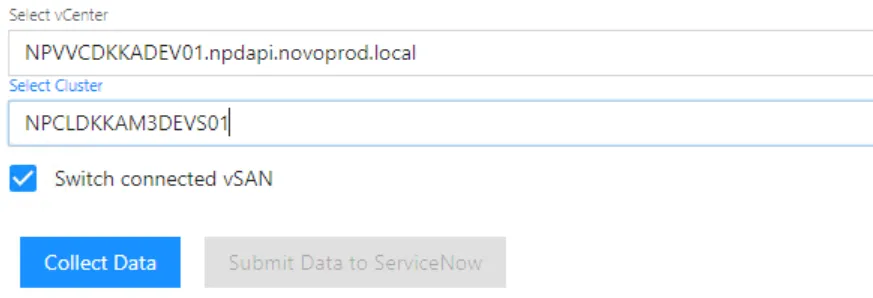
Section titled “VMware”Select the vCenter and Cluster in the dropdown menu’s.
If the Cluster is configured as a Micro Platform, uncheck “Switch connected vSAN”
Data collection
Section titled “Data collection”Press the “Collect Data” button, sit back, and enjoy some coffee.
- Connects to the vCenter and collects Cluster data.
- Creates a temporary VM and tests vMotion
- Uses LLDP to collect Switch information.
- Disconnects vCenter
- Contacts Dell OpenManage and requests Host information based on Serial Numbers.
- Contacts Dell CloudIQ and requests Switch information based on LLDP information.