Job Log Viewer Help
This app is used to display logs from all jobs managed by GITOPI Automation Team.
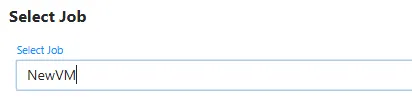
Select Job
Section titled “Select Job”If the app is viwed from the portal, the user can select the job to view the log for.
Select the Job Log Viewer from the dropdown menu.
If the app is viewed from a direct link, the app will open directly to the Job Log view.
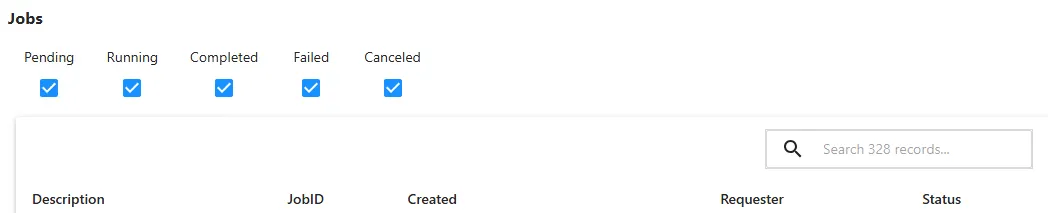
Use the filter options to find jobs with specific state
Click the description to load the log and parameters for the selected job.
Job Log
Section titled “Job Log”The joblog will be displayed in the log area.
Use the log level checkboxes to filter the log by level.

Job Paramters
Section titled “Job Paramters”The job parameters will be displayed in the parameter area.
Variables with credential / passwords will be blurred.
