HP OneView Compliance
Access
Section titled “Access”In over to access this application, you need to request access in NovoAccess to (Admin Account):
- GITO-PI-Automation : CORP-PSU_HPOneviewCompliance
Detailed help can be found here.
App Details
Section titled “App Details”-
Enter the servername
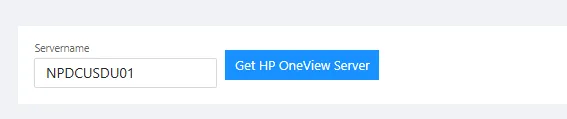
-
Confirm that its the right model, and pick the components that should be verified.
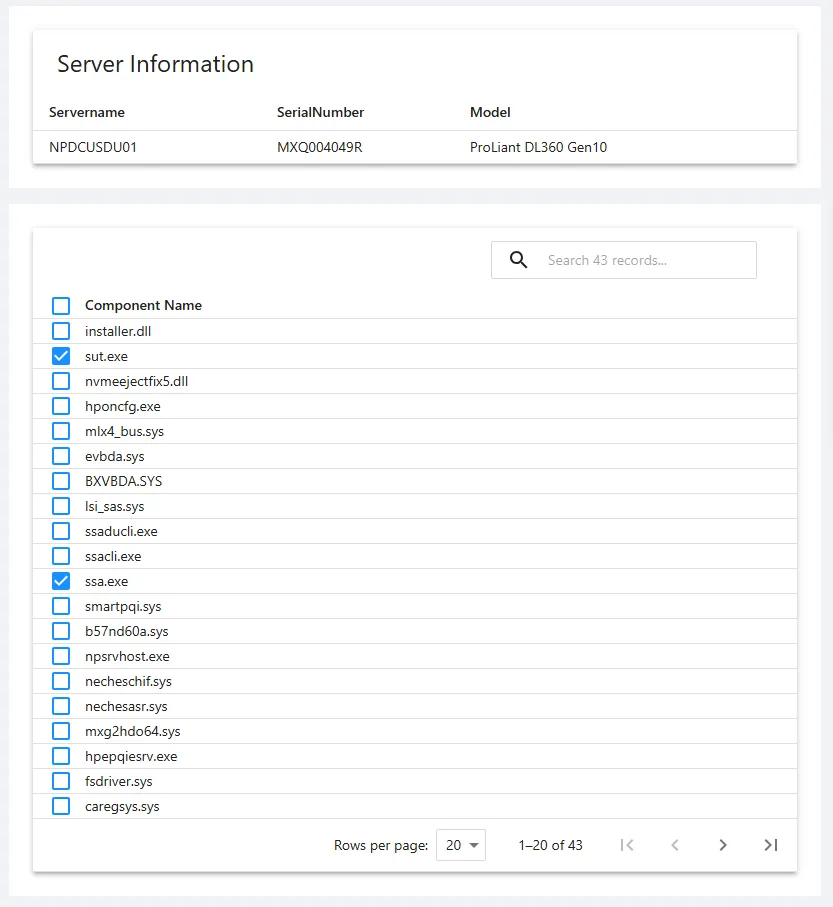
-
Enter the target version that the components should be & click “Check Compliance” to verify against the actual versions. It will show “Compliant” or “Non-Compliant” depending of the result.
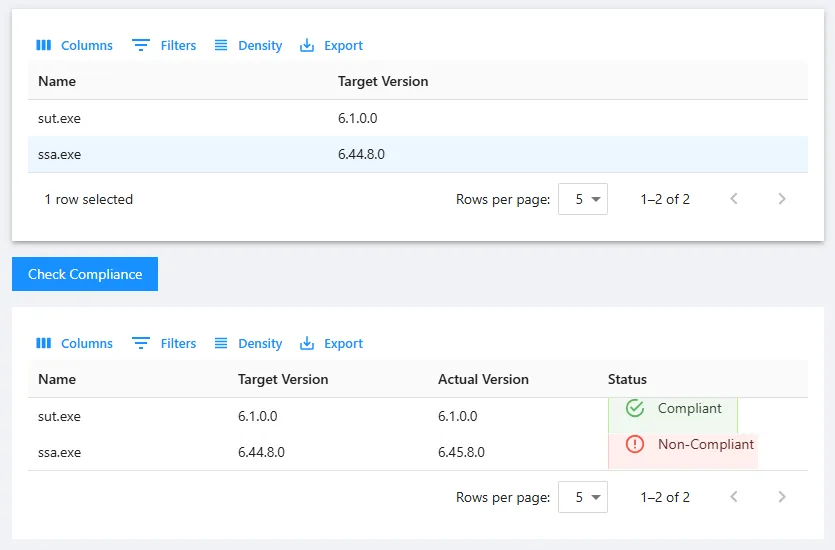
-
Enter the change number & click “Find” to verify its in ServiceNow.
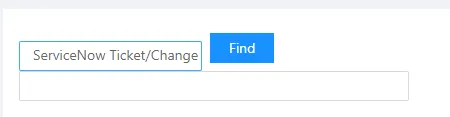
-
Click “Update Ticket” at the bottom to send the information to Change Ticket.