Switch Qualification
This app is used to qualify Cisco Switches.
It uses collected data from SolarWinds to display the switch configuration.
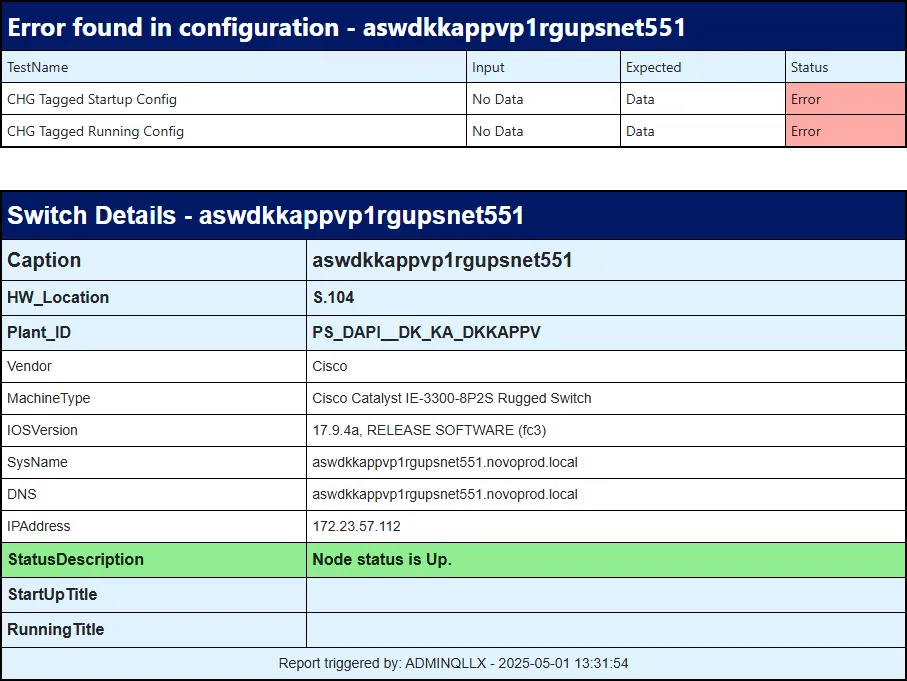
When data is collected, the system will highlight missing configuration or errors.
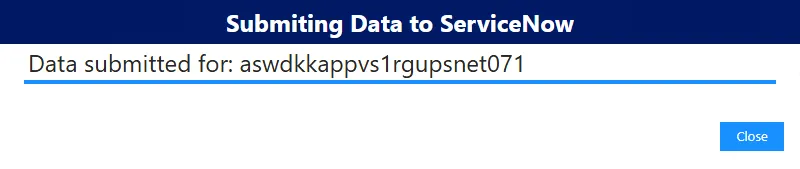
The result can be submitted to ServiceNow, updating the qualification Change.
ServiceNow
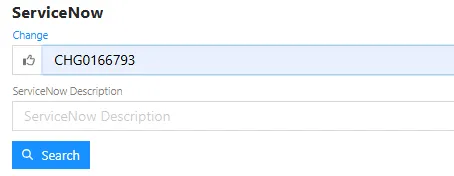
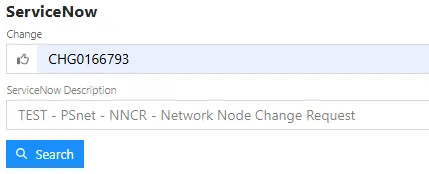
Section titled “ServiceNow”Type in Change/Inciden number and hit Search.
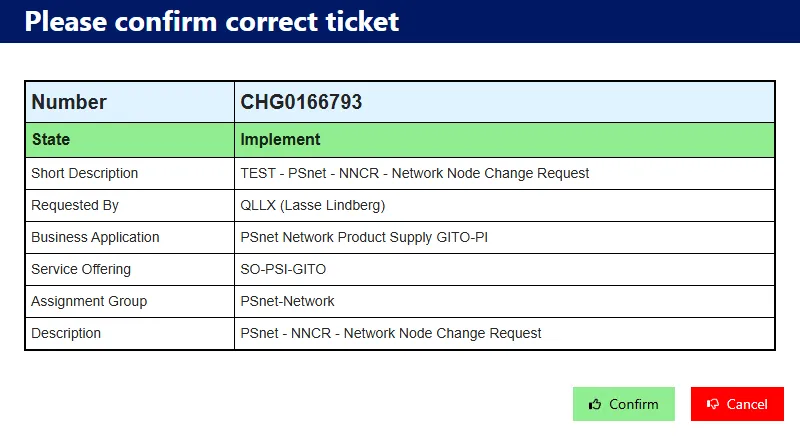
The Change must be in the state “Implement” to continue.
Press Confirm.
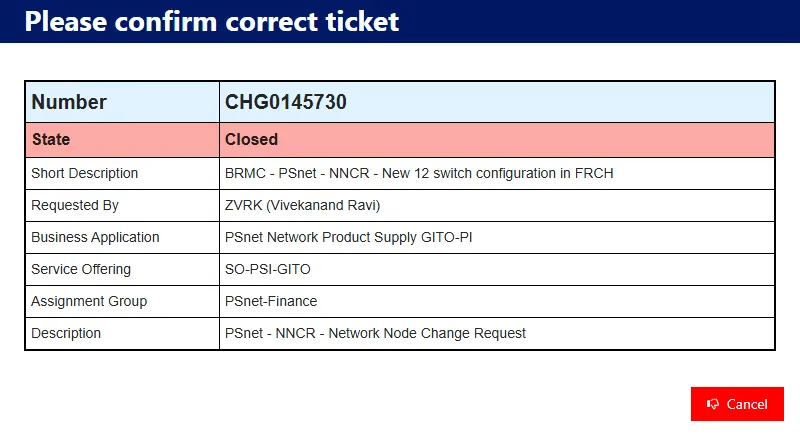
If not, the Confirm button is missing.
The ServiceNow Description will now be showen under the Change Number.
Switch
Section titled “Switch”Search for the switch using the basename.
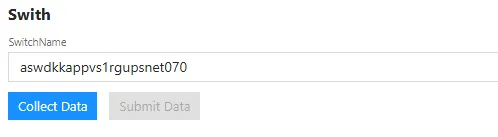
Searrching in SolarWinds.

Switch Not found.

Switch found but with Errors in the configuration.
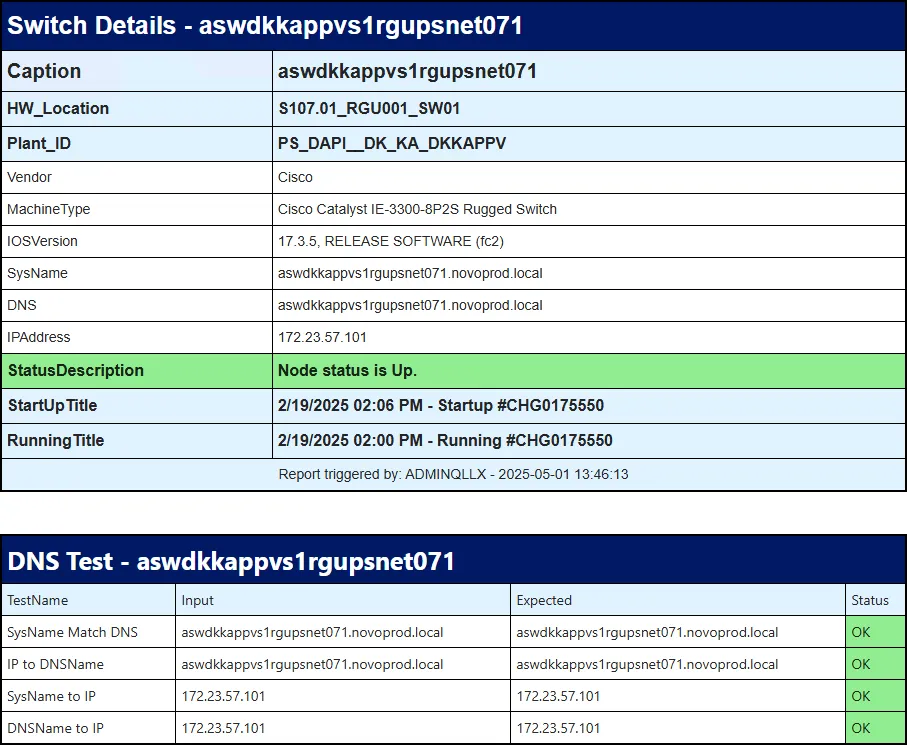
Switch found with correct configuration.
Displaying the first 2 checks, additional checks not shown here.
Submit to ServiceNow
Section titled “Submit to ServiceNow”Submitting the data to ServiceNow, getting the change ready for approval.