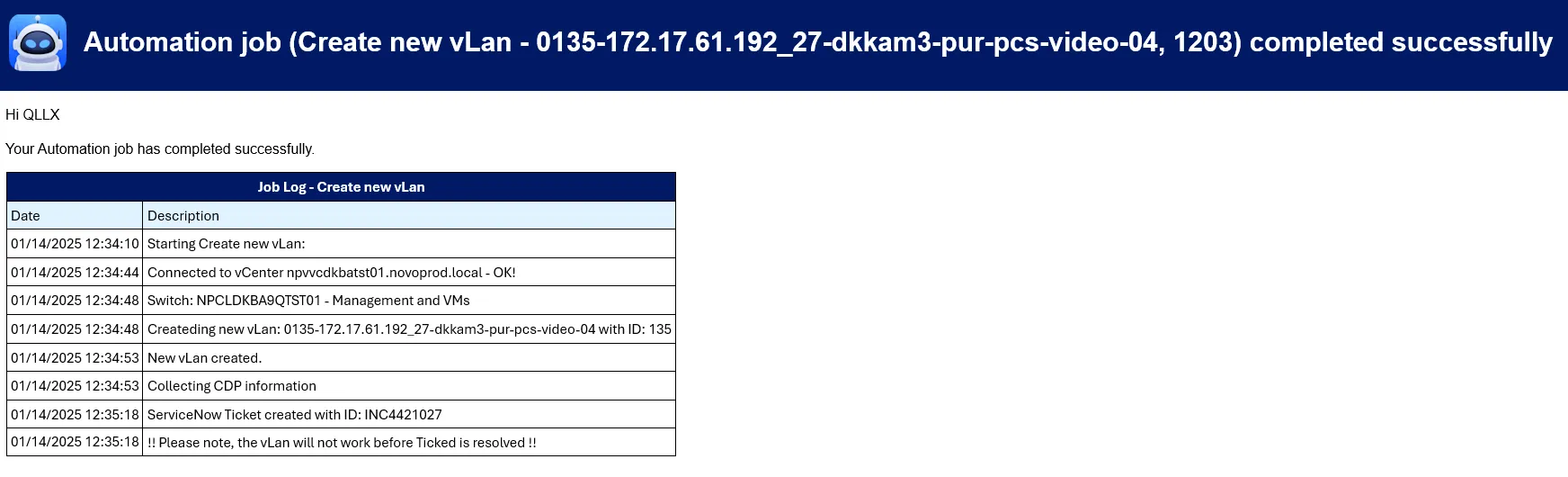
New VMware vLan
This app is used to create Portgroups in VMware
It uses collected subnet data to name the Portgroup acording to naming conventions.
When submittet, the system will create a new Portgroup and submit a request in ServiceNow to the connectivity team.
ServiceNow
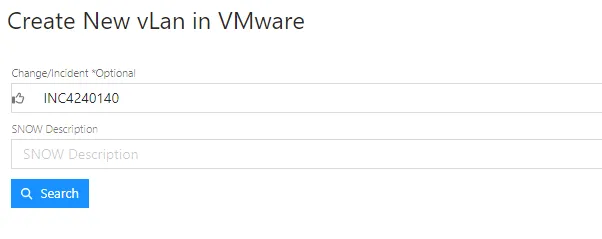
Section titled “ServiceNow”Type in Change/Inciden number and hit Search.
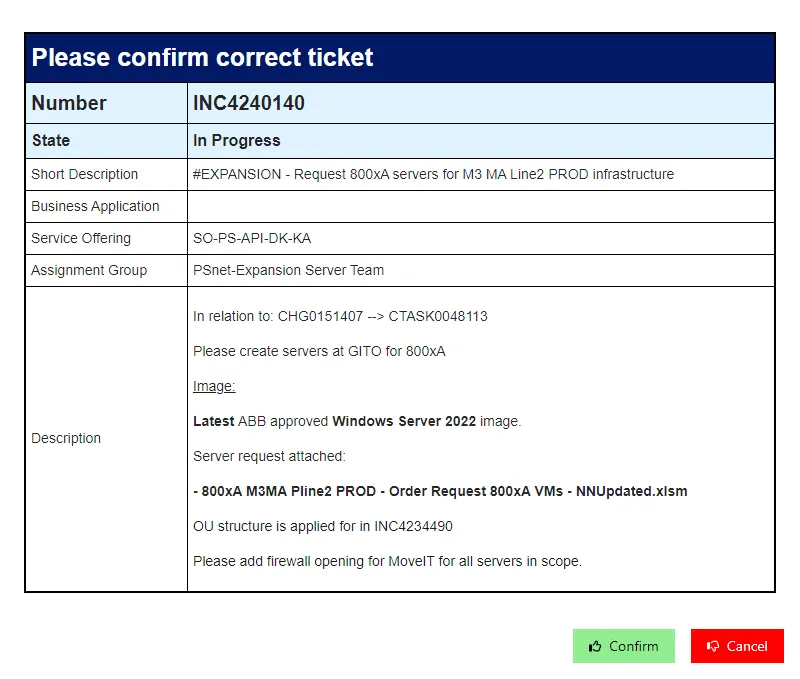
Confirm the information is correct.
The Change must be in the state “Implement” or Inciden is in state “In Progress” to continue.
Press Confirm
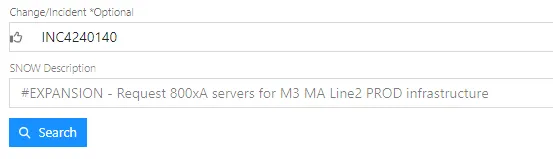
The ServiceNow Description will now be showen under the Change/Incident Number.
VMware and Subnet
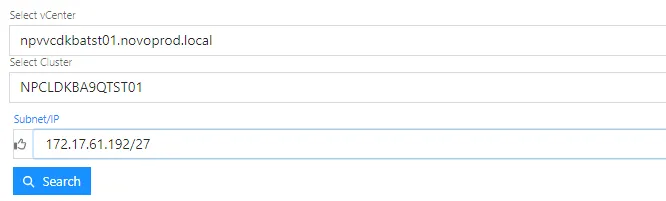
Section titled “VMware and Subnet”Select the vCenter and Cluster in the dropdown menu’s.
Enter IP or CIDR and press Search.
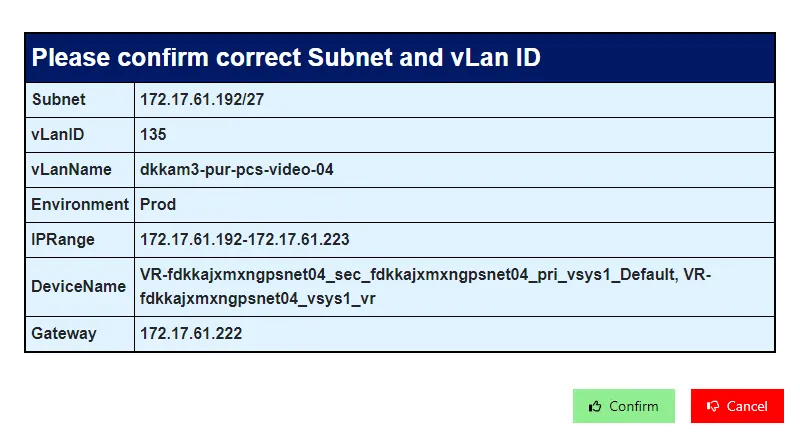
Confirm the Subnet and VlanID is correct.
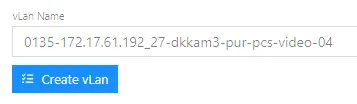
Press Create vLan.
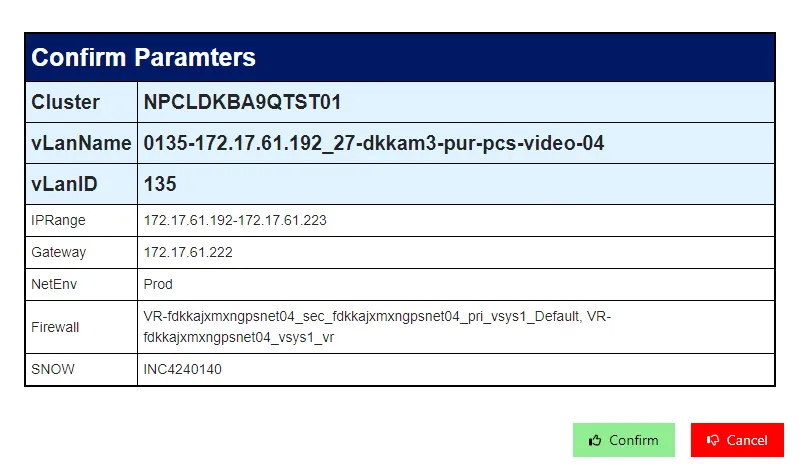
Ensure all the information is correct.
Press Confirm
Automation part
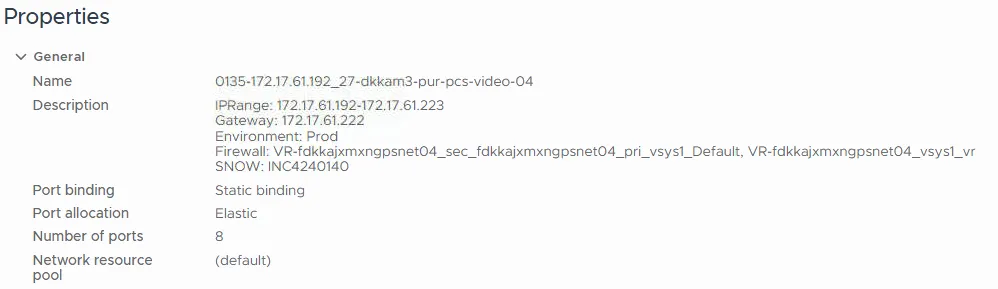
Section titled “Automation part”In VMware the configuration of the new Portgroup:
Status mail with reference to the Inciden for the connectivity team.