The Automation Hour - 05
Presenters
Section titled “Presenters”- YSPR
PowerShell Automation Overview
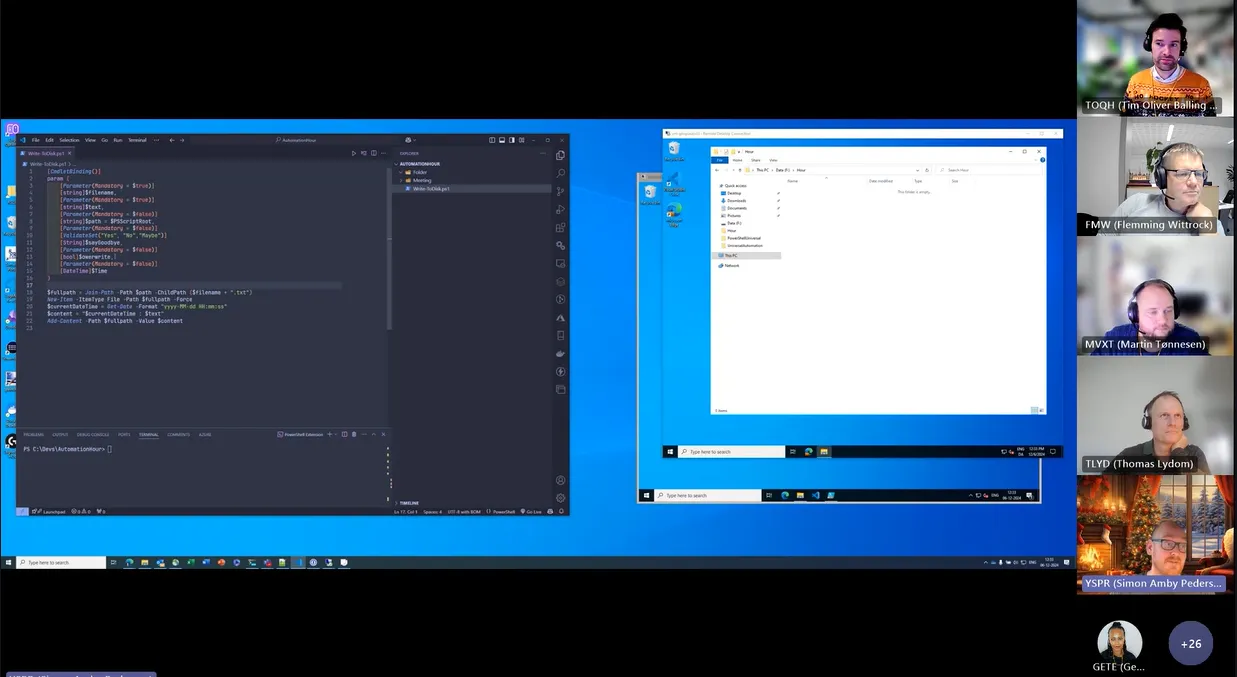
Section titled “PowerShell Automation Overview”(0:21) Simon Amby provided an overview of the session’s agenda, focusing on elevating scripts to applications using PowerShell automation. He demonstrated the process using a dummy script and explained the importance of parameter sets.
Creating and Running Scripts in PowerShell Universal
Section titled “Creating and Running Scripts in PowerShell Universal”(3:07) Simon Amby demonstrated how to create and run a script in PowerShell Universal. He showed how to copy a script, create a new script in PowerShell Universal, and run it with various parameters.
Enhancing Script Usability
Section titled “Enhancing Script Usability”(5:33) Simon Amby explained how to enhance the usability of scripts by adding comments and descriptions. He demonstrated how to add a synopsis, description, and parameter explanations to make the script more understandable.
Running Scripts on Different Servers
Section titled “Running Scripts on Different Servers”(8:19) Simon Amby showcased how to run scripts on different servers, including the core server and PS NET. He explained the steps to copy scripts to PS NET and run them there.
User Permissions and Credentials
Section titled “User Permissions and Credentials”(12:40) Flemming and Simon Amby discussed user permissions and credentials for running scripts. Simon explained that scripts run with the service account hosting PowerShell Universal by default, but specific credentials can be set.
PowerShell vs. Power Automate
Section titled “PowerShell vs. Power Automate”(20:10) Tim Oliver Balling and Martin Tønnesen discussed the differences between PowerShell and Power Automate. Martin highlighted that Power Automate is ideal for tasks like working with Excel sheets and sending emails, while PowerShell is better for integrating with infrastructure systems.
Encouraging Participation and Topics
Section titled “Encouraging Participation and Topics”(21:21) Flemming encouraged participants to bring topics and volunteer for presentations to make the sessions more interactive and targeted. He emphasized the importance of two-way participation.
Sharing and Reusing Scripts
Section titled “Sharing and Reusing Scripts”(23:17) Thomas and Simon Amby discussed the possibility of sharing and reusing scripts within teams. Simon explained that scripts can be targeted to specific teams in PowerShell Universal, and collaboration should be done in a repository.
Christmas Edition Announcement
Section titled “Christmas Edition Announcement”(26:05) Flemming announced a Christmas edition of the automation hour, which will include competitions and prizes. He encouraged everyone to participate and assured that coding skills are not a prerequisite to win.