The Automation Hour - 11
Presenters
Section titled “Presenters”- DVJD
Live Demo Introduction
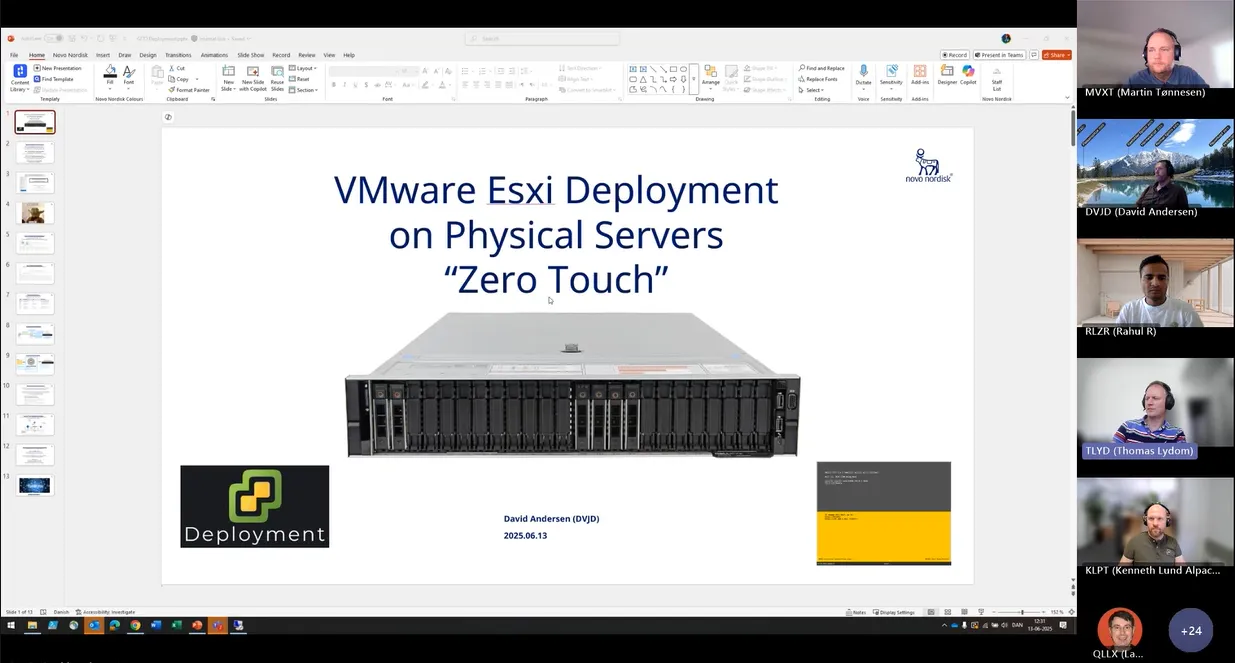
Section titled “Live Demo Introduction”(3:42) Martin Tønnesen introduced David, who presented a work-in-progress live demo on VMware deployment of a physical service. David mentioned that the demo is almost production-ready and highlighted the challenges faced during testing.
Zero Touch Installation
Section titled “Zero Touch Installation”(5:12) David explained the zero-touch installation process, which involves collecting information, removing old data, creating new disks, and installing the operating system without any manual intervention. The process uses customized installation DVDs for each server.
Deployment Script
Section titled “Deployment Script”(8:27) David demonstrated the deployment script, which collects information such as server name, operating system, IP address, and IPMI network details. The script then starts the deployment process automatically.
Deployment Network
Section titled “Deployment Network”(9:35) David connected to the deployment network and explained the use of IP addresses instead of names. He showed the script in action, deploying multiple servers simultaneously.
Physical Server Deployment
Section titled “Physical Server Deployment”(12:46) David discussed the challenges of deploying physical servers, including the need to remove old data, create new disks, and handle multiple reboots. He emphasized the importance of automation to save time and effort.
IPMI Network
Section titled “IPMI Network”(16:45) David explained the IPMI network, which allows managing servers without any power or network connection. The IPMI network is used to connect to the server, mount the customized DVD, and start the installation process.
Deployment Process
Section titled “Deployment Process”(17:43) David provided an overview of the deployment process, including the creation of custom operating system images, deployment part files, and the use of IPMI network for installation. He highlighted the advantages of this approach over traditional PXE networks.
Deployment Progress
Section titled “Deployment Progress”(22:58) David monitored the deployment progress, showing the status of various servers being deployed. He addressed questions and suggestions from participants, including the possibility of skipping certain steps to save time.
HP Server Deployment
Section titled “HP Server Deployment”(24:32) David attempted to deploy HP servers using the same process, demonstrating the flexibility of the deployment system. He discussed the differences between Dell and HP servers and the need for specific configurations.
Deployment Server Configuration
Section titled “Deployment Server Configuration”(44:07) David explained the configuration of the deployment server, including the use of IIS to host ISO files and the creation of custom installation media. He emphasized the importance of maintaining and updating the deployment server.
Future Plans
Section titled “Future Plans”(44:50) David and the team discussed future plans for the deployment system, including the possibility of using content libraries and automating the deployment of clusters. They also considered the need for firewall openings and the potential for remote deployments.
Deployment Completion
Section titled “Deployment Completion”(45:22) David confirmed the successful deployment of multiple servers, demonstrating their functionality and readiness for use. He highlighted the benefits of automation and the potential for further improvements.
Q&A Session
Section titled “Q&A Session”(50:52) David addressed questions from participants, including the need for specific hardware models, driver management, and the importance of maintaining consistency in hardware and software configurations.
Closing Remarks
Section titled “Closing Remarks”(56:41) Martin Tønnesen thanked David for the impressive demo and encouraged participants to reach out with any further questions or suggestions. The meeting concluded with well wishes for the weekend.